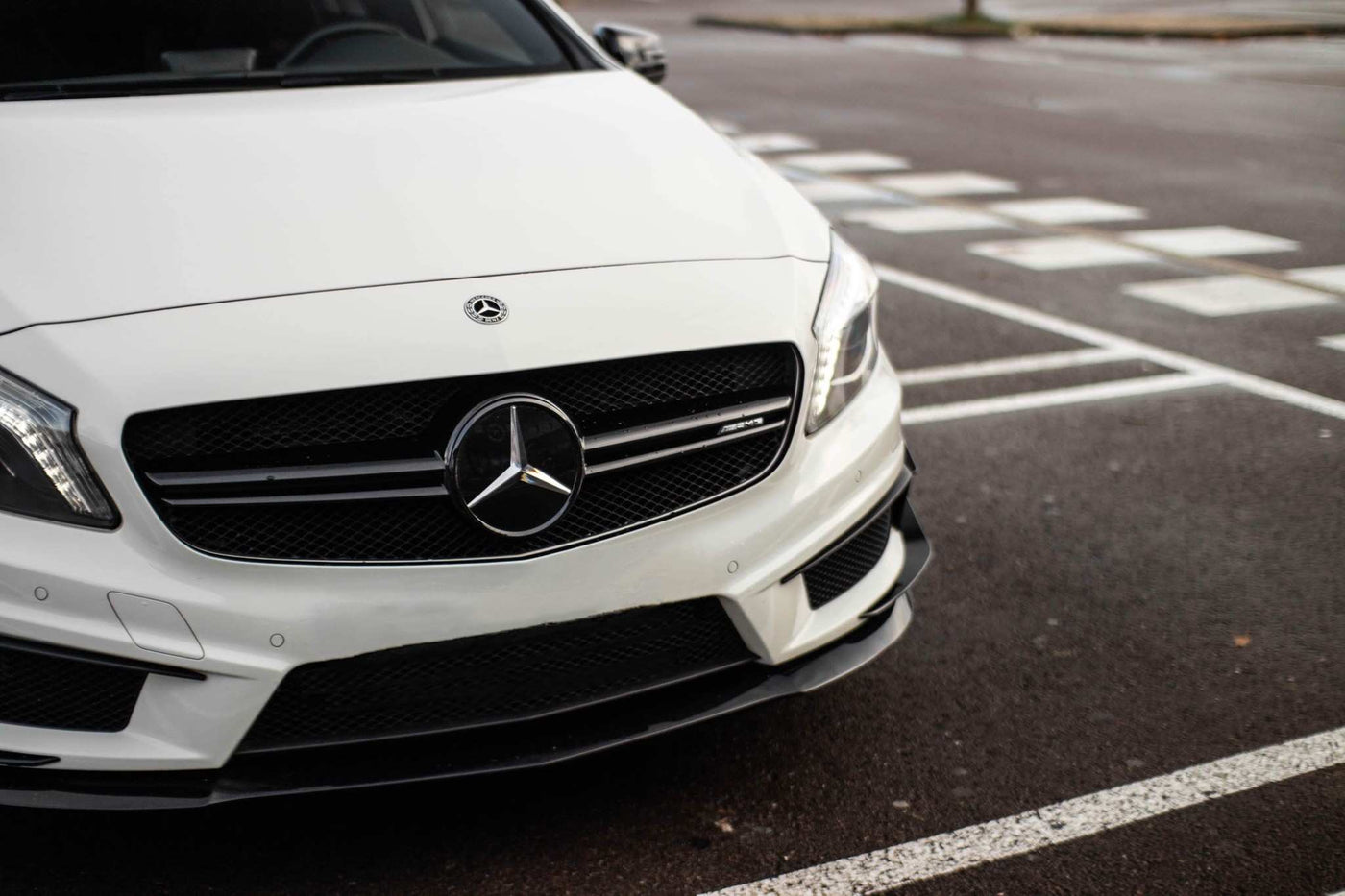
TUTORIAL: How to change the grille on a Mercedes A-Class W177?
In this tutorial, we will explain in detail how to change the grille on your Mercedes A-Class W177.
Whether you want to replace your grille because it's damaged or because you purchased the Panamericana variant, our comprehensive guide will provide you with all the necessary steps to perform this operation accurately and safely. Follow our instructions to guarantee an optimal and hassle-free result.
Panamericana Mercedes grilles
Give your Mercedes a unique AMG look.
Free delivery & 1-year product warranty.
See our grilles
Front Bumper Removal Tutorial for Mercedes A-Class W177
- Step 1: Unscrew the Torx T20 screws
Unscrew the 7 Torx T20 screws holding the front bumper in place: 3 on each side and 1 in the middle.

- Step 2: Unscrew the 10mm screws above the headlights
Unscrew the 2 10mm screws located inside the bumper, above the headlights (1 on each side).

- Step 3: Remove the mudguard mounting pins
Remove the 3 retaining clips from the driver and passenger front mudguards. Turn the wheel inwards to give yourself more room.

- Step 4: Discover the 10mm screws under the mudguard
Pull back the fender liner to reveal the two 10mm screws that hold the bumper in place. Repeat this procedure for both the passenger and driver sides.

- Step 5: Loosen the screws at the bottom of the mudguard
Loosen the 3 screws at the bottom of each mudguard (3 x 10mm screws on each side).

- Step 6: Loosen the screws under the protective plate
Loosen the 4 x 8mm screws below the protective plate under the bumper (2 on each side).

- Step 7: Loosen the screws at the front of the bumper
Loosen the 3 x 8mm screws underneath at the front of the bumper (1 on each side and 1 in the middle).

- Step 8: Loosen the Torx screws holding the bumper and the engine under-plate
Loosen the 3 Torx screws holding the bumper and engine under-plate together (1 on each side and 1 in the middle).

- Step 9: Remove the bumper
The bumper is no longer attached to the chassis. Make sure you have prepared a surface to receive it and gently slide it forward.
- Step 10: Unclip the parking sensors
Now that your bumper is on the ground, unclip the parking sensors from the rear, attaching them to the grille. Use a small flathead screwdriver to release the two clips holding the sensor in place. Repeat this process for each side.

- Step 11: Unclip the Distronic module (if equipped)
If your vehicle is equipped with it, unclip the Distronic module attached to the front badge, fixed by 3 attachment points (1 above, 1 on each side).

- Step 12: Remove the grille
The grille is attached to the bumper by retaining clips. Use a large flathead screwdriver to pry and release each of the clips holding it in place, one by one.

- Step 13: Attach the new grille
Attach the new Euro Racing Parts grille by clipping it back onto your bumper. Make sure the clips are fully inserted.
- Step 14: Reinstall the bumper
Proceed in the reverse order of disassembly: clip in the Distronic module, the star-shaped bracket, and the parking sensors, then position the bumper on the chassis. We recommend installing the retaining screws starting from the top (the seven T20 screws) and only tightening them once all the screws are in place and the bumper is properly aligned. Pay attention to the gap between the bumper and the front fenders.
Your Mercedes is now ready to go! We recommend visiting the Mercedes-Benz section of our shop to find the accessories you're looking for for your car. Grilles, black badges, CarPlay kits, and much more are available.